


FileLinker AI
Has anyone used the FileLinker AI?
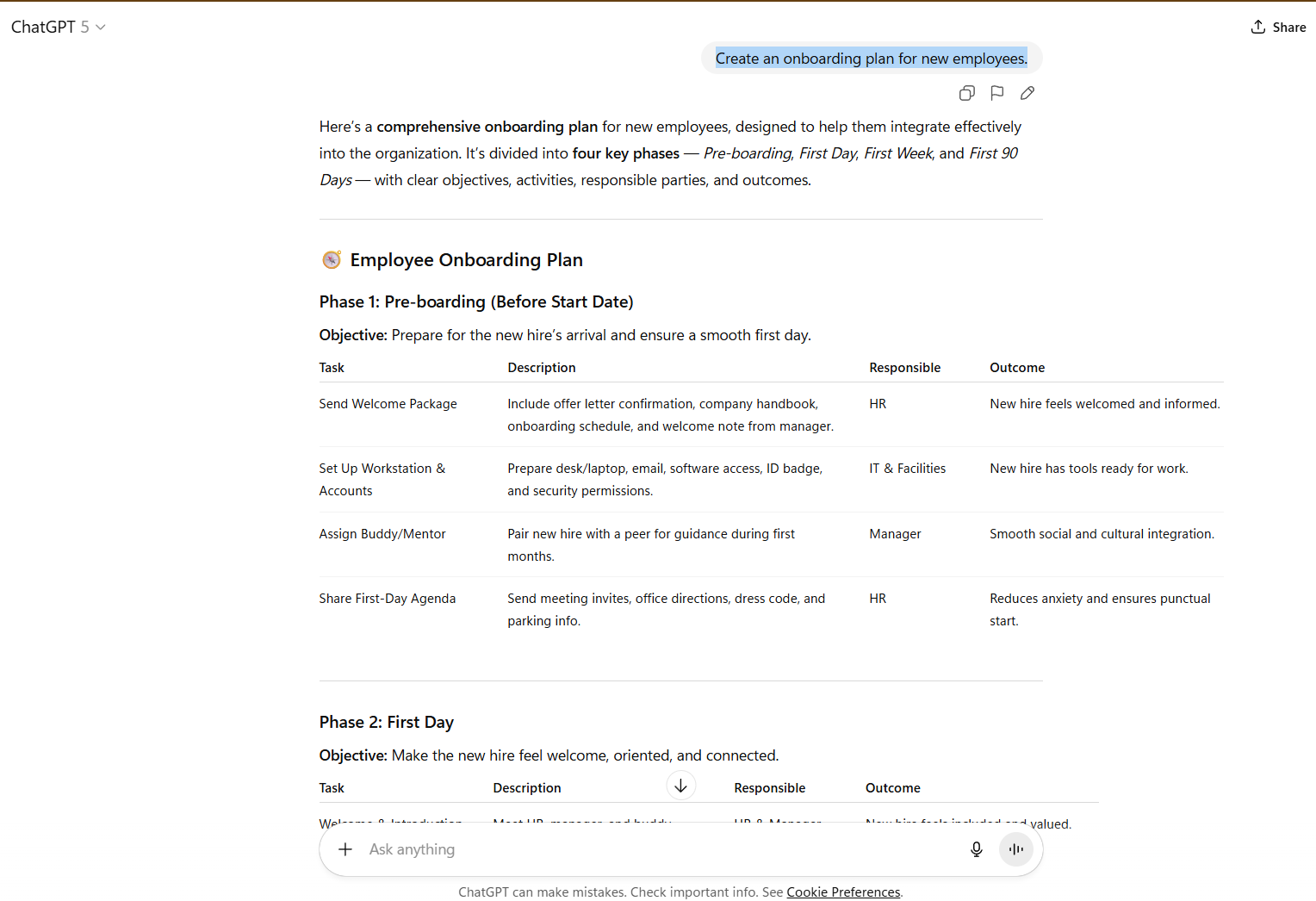
I started experimenting with it today using ChatGPT. I used the following prompt:
Create an onboarding plan for new employees.
ChatGPT produced a decent plan but used tables (as below) , and FileLinker AI failed to copy any information within those tables.
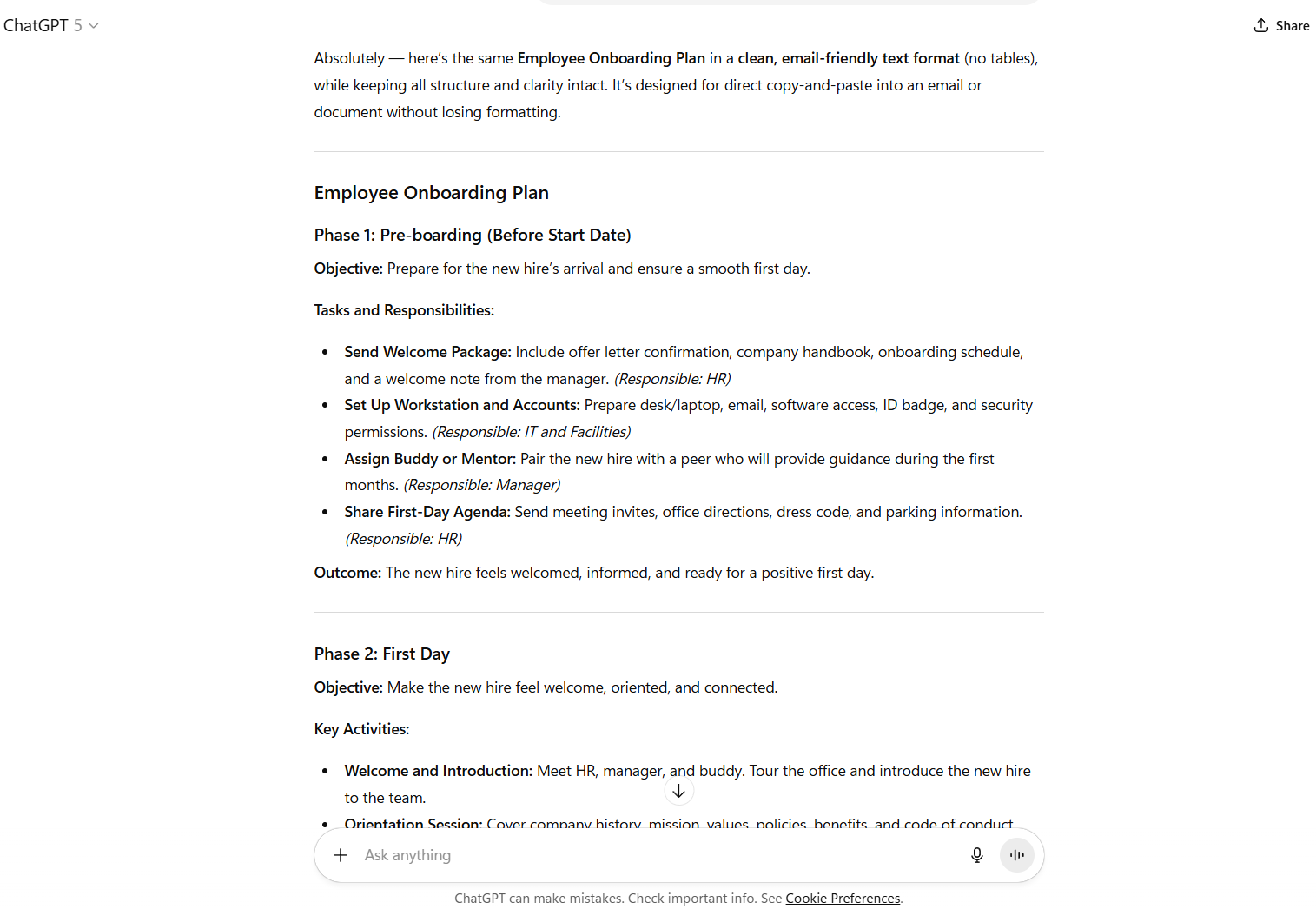
So, I asked ChatGPT to produce the same in a clean, email-friendly text format (no tables), while keeping all structure and clarity intact. Designed for direct copy-and-paste into an email or document without losing formatting.
It did so, and instead of using a table format it broke things into bullet points. FileLinker did not seem to like this and stripped out the bullet points and the 1st few characters next to each bullet point.
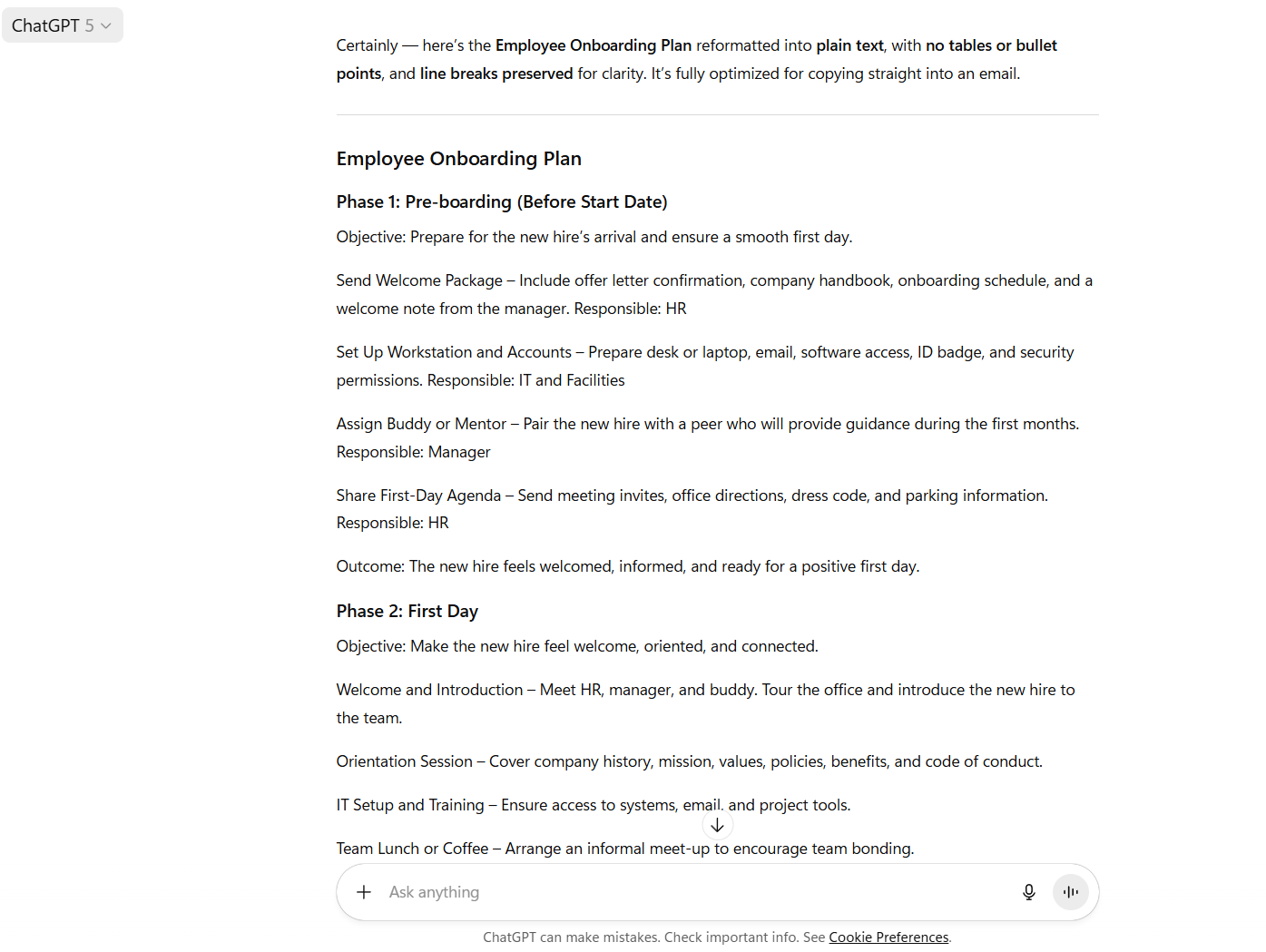
So, I asked ChatGPT to but lose the bullet points whilst keeping the line breaks. And remove the line dividers.
This time I got a plan in a simple format that FileLinker AI didn't screw with and produced a sensible map.
Has anyone-else had similar problems and is there an easy way to resolve this, without having to issue explicit formating commands every time I seek to use FileLinker AI?
Thank you in advance.
it can be used as from mm to chatgpt
or from chatgpt back to mm.
but when u paste back things from chatgpt, those start with number 123 or a.b.c. something will be removed SILENTLY.
you could search for my previous post in thie forum.
and i dont need it to use mm-> chatgpt, a ctrl+c is enough.
some ppl at some time may found it help ful.
it can be used as from mm to chatgpt
or from chatgpt back to mm.
but when u paste back things from chatgpt, those start with number 123 or a.b.c. something will be removed SILENTLY.
you could search for my previous post in thie forum.
and i dont need it to use mm-> chatgpt, a ctrl+c is enough.
some ppl at some time may found it help ful.
---